Resellers
Give individual finds a more consistent listing presentation without moving photos into a cloud editor.
 SellShotApp Store
Product photo editor for iPhone
SellShot is built for marketplace sellers, resellers, vintage sellers, and small or handmade shops. Cut out the product, refine missed edges, add a simple background and shadow, then export a listing image—on your device.
A focused listing workflow
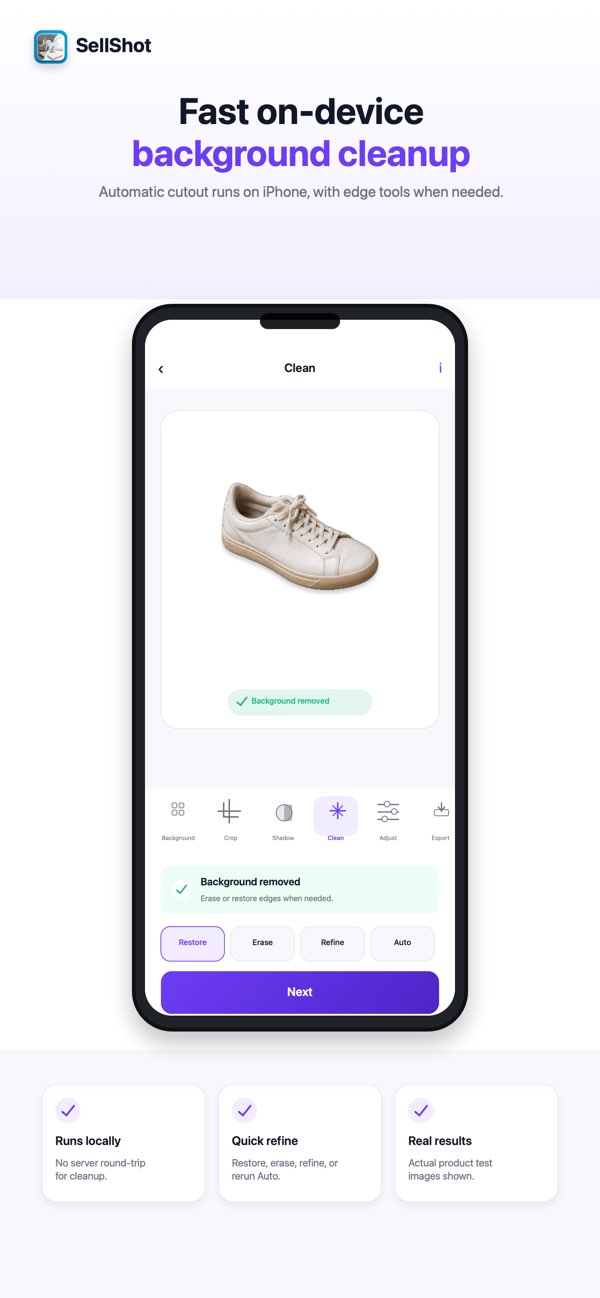
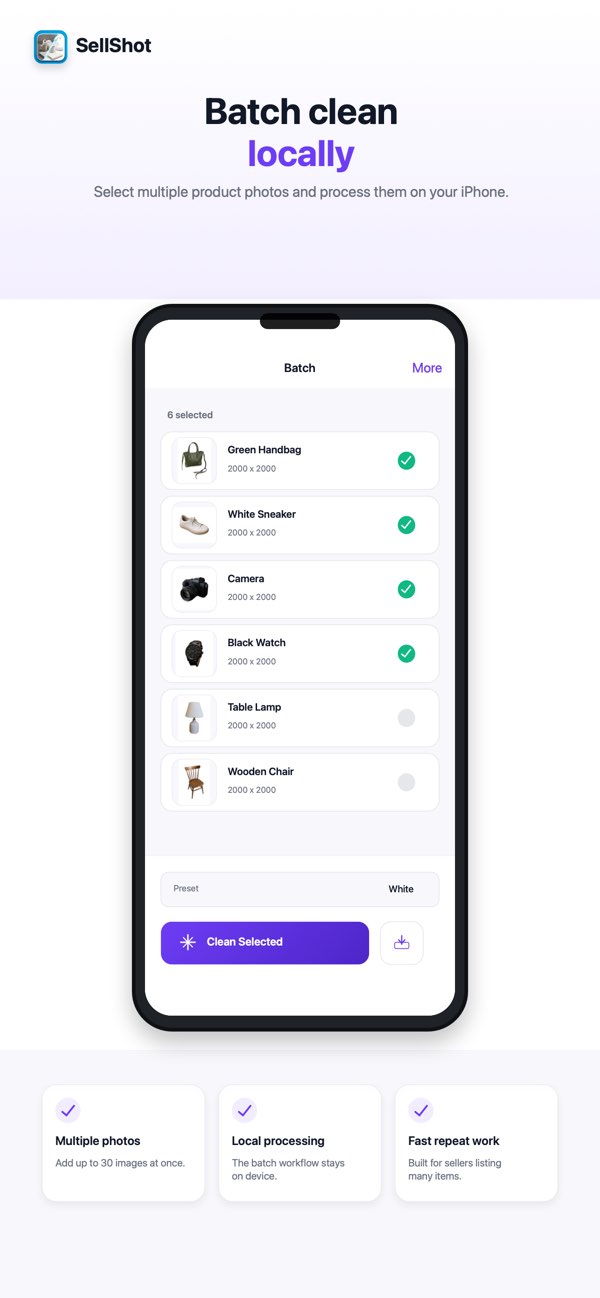
Ordinary snapshots can have distracting backgrounds, uneven spacing, or edges that need a second pass. SellShot keeps the edit focused on the listing image: product cutout, cleanup, placement, and export.
How it works
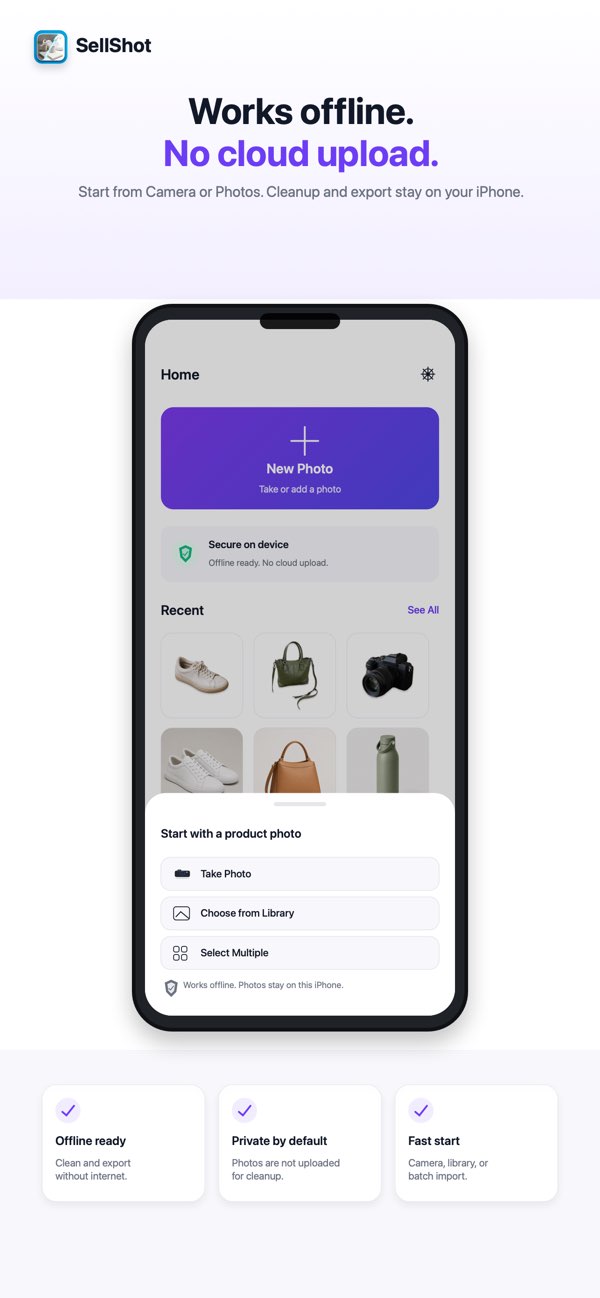
Start with the iPhone camera, your photo library, or a group of product photos for a batch session.
Use automatic cutout, then erase, restore, or refine an edge when the photo needs a second pass.
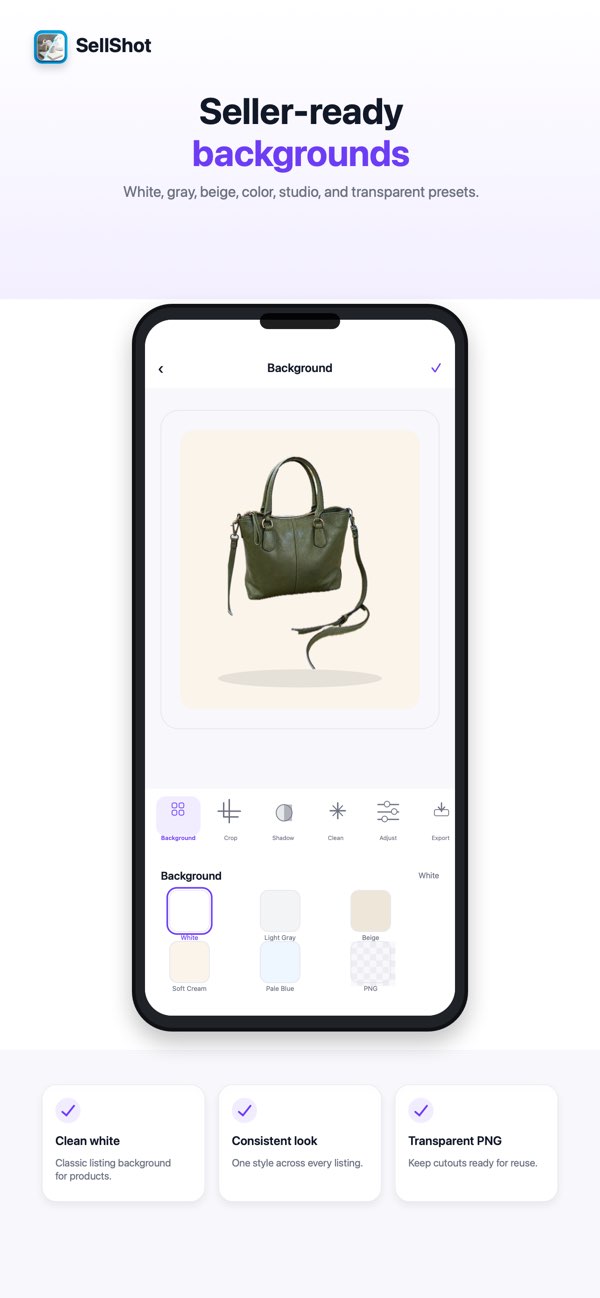
Choose a simple background and adjust crop, position, rotation, padding, and shadow.
Save a JPG or transparent PNG, with square and social-size presets available when they fit the listing.
Current product screens
Made for repeat listing work
Give individual finds a more consistent listing presentation without moving photos into a cloud editor.
Keep manual control for straps, textured edges, and one-of-a-kind items that need a careful pass.
Place an item against a simple background and prepare a reusable transparent cutout when needed.
Use a focused listing-image workflow instead of opening a general-purpose design project for every item.
Seller-ready controls
Privacy by product design
Core cleanup, backgrounds, crop, shadow, and export run on-device. You can edit and export without an internet connection, and the described workflow requires no account.
Apple's current App Privacy label says SellShot does not collect data.
Read SellShot privacy details →A clear limitation
Clear photos with the product fully visible work best. Complex backgrounds, glass, fur, thin straps, reflective surfaces, and transparent items may need erase, restore, or edge refinement before export.
Frequently asked
No. The described editing and export workflow does not require an account.
Yes. Core cleanup, backgrounds, crop, shadow, and export run on your device and work without an internet connection.
SellShot exports JPG and transparent PNG files. Square and social-size presets are available for common listing and sharing formats.
The current US App Store listing shows SellShot as free and says there are no subscriptions, credits, ads, watermarks, daily limits, or locked HD exports.
Clear photos with the product fully visible work best. Glass, fur, thin straps, reflective surfaces, transparent items, and complex backgrounds may need manual refinement.
The current App Store listing requires iOS 17.0 or later.
Ready for the next listing?